
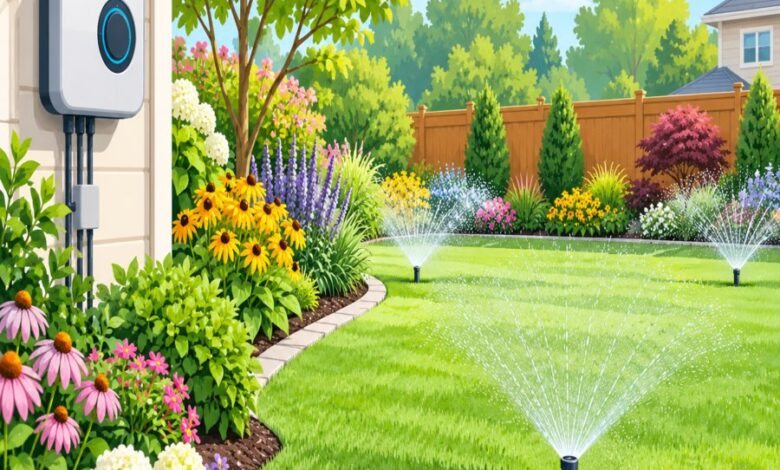
Your lawn looks thirsty, your water bill looks painful, and somewhere in between sits a glowing little box on your garage wall that promised to fix everything. The truth is, smart sprinkler controller mistakes are one of the most common and most expensive issues homeowners create without even realizing it. A smart controller is only as smart as the setup behind it, and a few wrong taps on an app can quietly cost you hundreds of dollars a year.
In this guide, we’re breaking down the ten most budget-draining errors homeowners make with their irrigation technology. Whether you’re running a Rachio, a Hunter, or any other wifi-enabled system, these mistakes apply across the board. Let’s get your sprinkler system working for you, not against you.
Why Smart Sprinkler Controller Mistakes Cost More Than You Think
Smart controllers are marketed as “set it and forget it” devices, but that mindset is exactly where trouble begins. Many homeowners install the hardware, connect it to wifi, and assume the default settings are good enough.
Unfortunately, default settings are rarely tailored to your specific soil type, slope, sun exposure, or plant selection. This mismatch is the root cause behind most smart sprinkler controller mistakes, and it silently inflates your monthly water bill while your lawn either drowns or dries out.
According to the USDA, regional climate and soil variation plays a massive role in how much water landscapes actually need, which is exactly why a one-size-fits-all irrigation schedule almost always fails.
Mistake 1: Skipping a Proper Rachio Schedule Setup
A rushed rachio schedule setup is probably the single biggest reason smart controllers underperform. Many users accept the “Flex Daily” default without entering accurate zone data like nozzle type, slope, and soil composition.
Take the time to walk your yard, note the plant types in each zone, and measure your sprinkler head output using a simple catch-cup test. This fifteen-minute task alone can prevent weeks of overwatering.
Pro tip: Group zones by plant type, not just by location, so your flower beds aren’t getting the same soak cycle as your fescue lawn.
Mistake 2: Ignoring Irrigation Weather Skip Failure
Smart controllers are supposed to skip watering when rain is forecasted, but an irrigation weather skip failure happens more often than manufacturers admit. This usually occurs when the weather intelligence feature is toggled off accidentally, or when the hyperlocal weather station it pulls data from is too far from your actual property.
The result? Your system runs a full cycle right after a storm, wasting water and increasing the risk of fungal lawn disease. Always double check that rain-skip and freeze-skip settings are active, not just installed.
For hyperlocal accuracy, consider pairing your controller with a physical rain sensor as a backup, rather than relying solely on cloud-based forecasts.
Mistake 3: Wifi Sprinkler Valve Troubleshooting Delays
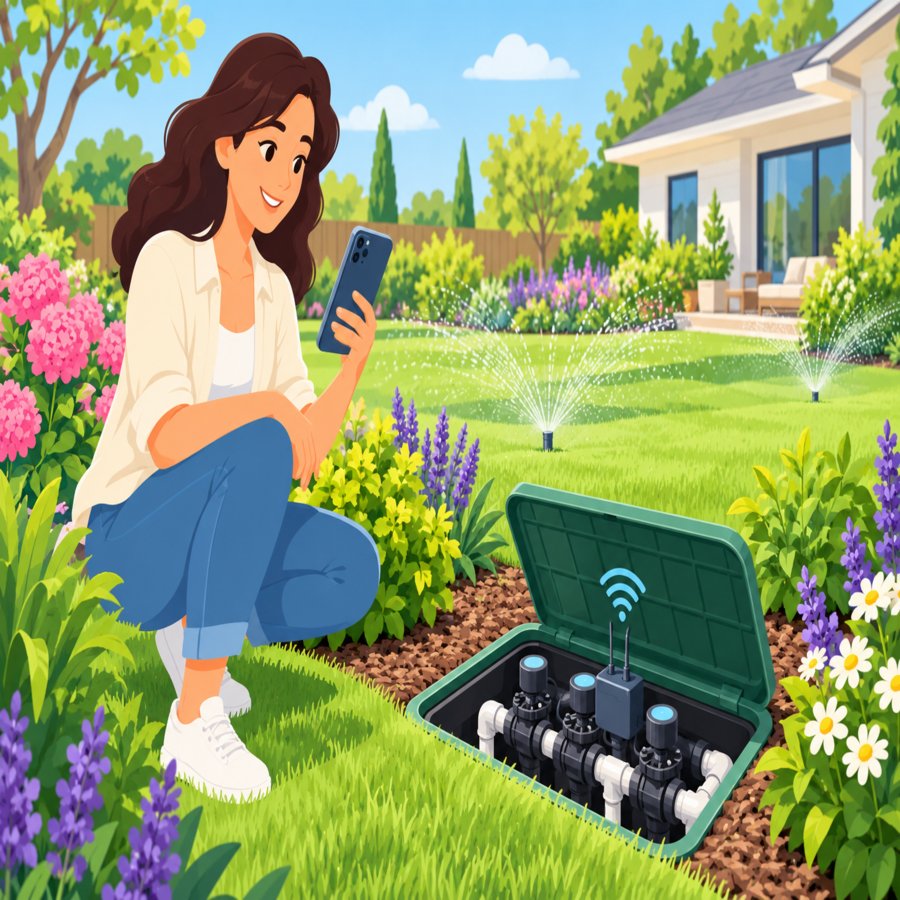
When a zone stops responding, most homeowners assume the valve is broken and call a technician immediately. But proper wifi sprinkler valve troubleshooting should always start with the basics before you spend money on a service call.
Check your router’s signal strength near the controller first. Many garages and basements have weak wifi coverage, which causes missed commands and skipped cycles that look like hardware failure.
If signal isn’t the issue, inspect the valve’s solenoid wiring for corrosion, which is a common culprit after heavy rain or flooding near valve boxes.
Mistake 4: Setting It Once and Never Adjusting Seasonally
One of the more subtle smart sprinkler controller mistakes is treating the initial setup as permanent. Watering needs in July are drastically different from watering needs in October, even with automatic adjustments enabled.
Most apps include a seasonal adjustment slider, but it needs manual review every few months. Set a calendar reminder to review your schedule at the start of each season.
Mistake 5: Overlooking Soil Type in Zone Programming
Clay soil holds water far longer than sandy soil, yet many controllers are programmed with a generic “loam” setting by default. This mismatch leads to runoff in clay-heavy yards and drought stress in sandy ones.
A simple soil test kit from your local garden center can tell you exactly what you’re working with. Input that data accurately, and your controller will calculate far more realistic run times.
The Royal Horticultural Society offers excellent guidance on identifying soil composition and matching it to appropriate watering practices for healthier landscapes.
Mistake 6: Running Zones Simultaneously on Low Water Pressure
Smart controllers allow stacked zone scheduling, but running multiple zones at once on a system with limited water pressure results in weak, uneven coverage. This forces the controller to compensate with longer run times, which drives up your water bill.
Stagger your zones instead, giving each one full pressure and proper distribution. Your lawn will get even coverage without the controller overcompensating for pressure drops.
Mistake 7: Forgetting Firmware and App Updates
Outdated firmware is a sneaky cause of connectivity drops and scheduling glitches. Manufacturers regularly release updates that fix bugs related to weather syncing and valve communication.
Enable automatic updates in your app settings so you’re not manually troubleshooting problems that have already been solved by the manufacturer.
Mistake 8: Neglecting Nozzle and Head Maintenance
Even the smartest controller can’t fix a clogged or misaligned sprinkler head. Debris, grass clippings, and mineral buildup reduce flow efficiency, tricking the controller’s flow sensor into running longer cycles to compensate.
Walk your yard every month during watering season and visually inspect each head. This hardware check is just as important as the software side of your irrigation setup, much like how proper base prep prevents costly issues, similar to the lessons covered in this guide on avoiding costly paver walkway installation errors.
Mistake 9: Misunderstanding Flow Sensor Alerts
Many premium controllers include flow sensors that detect leaks and send alerts, but homeowners frequently dismiss these notifications as glitches rather than real warnings.
Ignoring a persistent high-flow alert can mean a cracked pipe is running continuously underground, which is one of the fastest ways to rack up an enormous water bill without any visible sign on the surface.
Mistake 10: Letting the App Run Without Any Human Oversight
The final and most common of all smart sprinkler controller mistakes is full disengagement. Technology is a tool, not a replacement for basic observation.
Spend five minutes a week reviewing your app’s water usage reports and comparing them against your actual lawn appearance. This habit catches small problems before they become expensive ones.
The Better Homes & Gardens irrigation resources also recommend seasonal manual walkthroughs even with fully automated systems in place.
Final Thoughts on Avoiding Smart Sprinkler Controller Mistakes
Smart irrigation technology genuinely can save water and money, but only when it’s configured with real attention to your yard’s unique conditions. Avoiding these ten smart sprinkler controller mistakes comes down to a simple formula: accurate setup, seasonal review, and routine physical inspection.
Take an afternoon this weekend to audit your system using the points above. Your lawn, your wallet, and your water utility will all thank you for it.