

If your once-powerful cordless vacuum now dies halfway through the living room, you are not alone, and the culprit is probably not a faulty machine. In the vast majority of cases, it comes down to simple cordless stick vacuum mistakes that quietly wear down the battery over months of ordinary use. The good news is that every one of these habits is fixable once you know what to look for.
Lithium-ion batteries are remarkably durable when treated correctly, but they are also unforgiving of neglect. Heat, improper charging, and poor storage all chip away at performance long before the battery “should” fail. This guide walks through exactly where things go wrong and how to protect your investment for years of reliable cleaning.
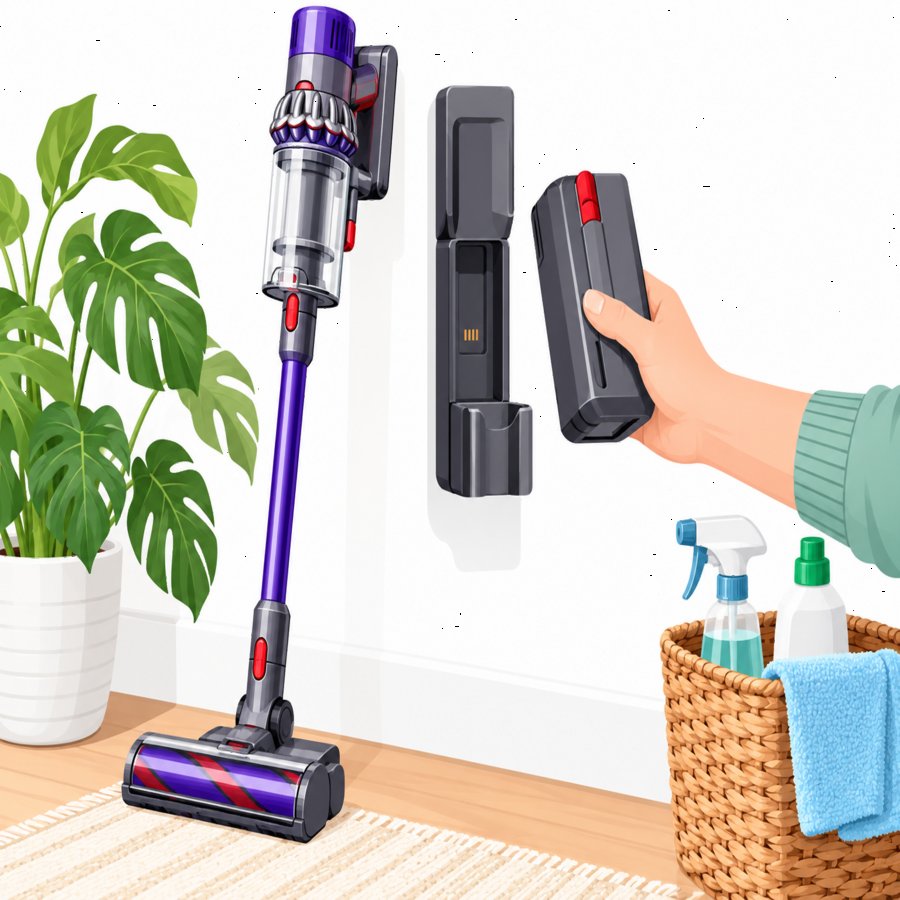
The Most Common Cordless Stick Vacuum Mistakes to Avoid
Most homeowners don’t realize they are shortening their vacuum’s life because the damage happens gradually and invisibly. These are the most widespread cordless stick vacuum mistakes we see in nearly every household.
Leaving it on the charger permanently. Many people dock their vacuum after every single use and leave it plugged in indefinitely, treating the charging base like a parking spot. Lithium-ion cells degrade faster when held at a full charge for extended periods, since that state creates more internal stress than a partial charge.
Letting the battery drain to zero repeatedly. Running the vacuum until it completely shuts off, over and over, forces the cells through deep discharge cycles that accelerate capacity loss. Unlike older nickel-based batteries, lithium-ion packs don’t need a full discharge to “reset” them.
Storing the vacuum in a hot garage or sunny closet. Heat is the single biggest enemy of lithium chemistry, and a stick vacuum stored near a sunlit window or an un-insulated garage wall will age far faster than one kept in a cool utility closet.
Ignoring a clogged filter or full canister. When airflow is restricted, the motor works harder and pulls more current from the battery, draining it faster and generating excess heat in the process.
Understanding Vacuum Battery Lifespan
Every cordless stick vacuum battery has a finite number of charge cycles before capacity noticeably declines. Understanding realistic vacuum battery lifespan expectations helps you spot when something is wrong versus when it’s just normal aging.
Most quality lithium-ion vacuum batteries are rated for roughly 500 to 1,000 full charge cycles. At typical household use of a few sessions per week, that translates to about two to four years of strong performance before you’ll notice a meaningful drop in runtime.
Signs your battery is nearing the end of its useful life:
• Runtime drops noticeably even right after a full charge.
• The vacuum suddenly cuts power on high/boost mode faster than it used to.
• The battery feels unusually warm during normal use.
• Charging takes much longer than the manufacturer’s stated time.
If you notice two or more of these symptoms well before the two-year mark, it’s worth reviewing your charging and storage habits, since early failure is almost always tied to behavior rather than a defective cell.
Lithium Ion Vacuum Maintenance That Actually Works
Good lithium ion vacuum maintenance isn’t complicated, but it does require breaking a few habits that feel convenient in the moment. These practices are backed by how lithium chemistry actually behaves, not just general tidiness advice.
Keep the charge between 20% and 80% when possible. Avoiding the extreme top and bottom of the charge range reduces stress on the cells. If your model doesn’t display a percentage, simply avoid letting it sit fully charged on the dock for days at a time, and avoid running it completely dead before recharging.
Unplug once charging completes. A quick timer reminder or simply making it a habit to unplug after an hour or two prevents the trickle-charging stress that comes from leaving it connected overnight, every night.
Store at room temperature. A closet, pantry, or interior hallway is ideal. Avoid garages, sheds, or anywhere temperatures swing widely with the seasons.
Clean filters and brush rolls monthly. A vacuum that breathes easily doesn’t force the motor to compensate, which keeps battery drain consistent and predictable. Tangled hair and pet fur around the brush roll are a top cause of unnecessary strain.
Use the lowest effective suction mode. Reserve boost or max mode for deep cleaning sessions on rugs, and use standard mode for everyday floors. This single adjustment can meaningfully extend both single-session runtime and long-term battery health.
For broader guidance on caring for rechargeable tools and appliances around the home, the Better Homes & Gardens home care resources offer helpful, trustworthy context on appliance longevity.
What Causes Stick Vacuum Suction Loss
It’s easy to blame a weak battery when the real issue is airflow. Stick vacuum suction loss is frequently mistaken for a dying battery, when in fact it’s a mechanical or maintenance issue putting extra load on the motor.
Full dust canisters. Most manufacturers recommend emptying after every use, not when it looks full. Dust compacts and restricts airflow well before the canister appears visually full.
Clogged filters. A filter caked in fine dust forces the motor to work significantly harder to pull the same amount of air, draining the battery faster and generating heat that further shortens its life.
Blocked hoses or brush rolls. Hair wrapped tightly around the roller or debris lodged in the hose creates resistance that mimics the symptoms of a failing battery.
Before assuming you need a replacement battery, rinse washable filters monthly, check hoses for blockages, and empty the canister after every single cleaning session. These small habits resolve the majority of suction complaints without spending a dollar.
Charging Habits That Lead to Cordless Stick Vacuum Mistakes
Charging routines are where most cordless stick vacuum mistakes originate, since this is the part of ownership we think about least. A few adjustments to your routine make a disproportionate difference over the life of the machine.
Charging immediately after a hot cleaning session. If you’ve just finished a long vacuuming session, the battery is already warm from use. Let it cool for 15 to 20 minutes before placing it back on the charger, since charging a warm battery compounds heat stress.
Using third-party or mismatched chargers. Off-brand chargers often don’t regulate voltage as precisely as the manufacturer’s original unit, which can overcharge or unevenly stress the cells over time.
Charging in direct sunlight or near heaters. Wall-mounted charging docks are often installed near entryways that receive direct afternoon sun. Relocating the dock to a shaded, climate-stable wall protects the battery far more than people expect.
Forgetting the vacuum for weeks at a time. Letting a battery sit untouched at very low charge for a long stretch, such as during a seasonal lull in deep cleaning, can let it drift into a damaging deep-discharge state. If you won’t use the vacuum for a month or more, store it at roughly half charge instead of empty or full.
Smart Storage Solutions to Protect Your Vacuum
Where and how you store your cordless vacuum matters just as much as how you charge it. A dedicated, organized storage spot reduces temptation to leave it docked indefinitely or shoved into a hot closet by the door.
Mounting the charging dock on an interior wall away from direct sunlight and heating vents is the single best upgrade most households can make. Choose a spot at room temperature, ideally in a mudroom, hallway, or laundry area rather than a garage.
If floor space and wall mounting aren’t options, repurposing existing furniture can be a clever workaround. For example, homeowners looking to carve out a dedicated cleaning closet often repurpose shelving units for vertical storage, and those exploring creative shelving conversions may find inspiration in these clever IKEA Billy bookcase storage hacks for organizing vacuums, attachments, and cleaning supplies in one tidy spot.
Whatever storage method you choose, keep attachments and chargers in the same place so you’re never tempted to leave the vacuum docked in an inconvenient hot spot just because it’s easier.
Seasonal Care and Long-Term Battery Protection
Seasonal changes affect battery performance more than most homeowners realize. Cold garages in winter and hot sunrooms in summer both accelerate degradation, so adjusting your storage location seasonally is a simple, free way to protect your investment.
During heavy cleaning seasons, such as spring deep-cleaning or holiday prep, it’s tempting to run the vacuum back to back with minimal breaks. Give the motor and battery short cooldown periods between rooms when doing an extended whole-house clean.
Gardeners and homeowners who spend significant time outdoors often track seasonal maintenance schedules for their yards and tools alike. Just as the Old Farmer’s Almanac recommends seasonal check-ins for garden tools and equipment, applying that same seasonal mindset to your cordless vacuum, checking filters, battery contacts, and storage location every few months, keeps it performing at its best year-round.
Finally, wipe down battery contacts occasionally with a dry cloth to prevent dust buildup, which can interfere with charging efficiency and mimic the symptoms of battery failure.
Final Thoughts on Avoiding Cordless Stick Vacuum Mistakes
Avoiding common cordless stick vacuum mistakes comes down to a handful of consistent habits: moderate charging, cool dry storage, regular filter cleaning, and using the right suction mode for the job. None of these require extra money or special tools, just a slight shift in routine.
Treat your battery the way you’d treat any other valuable rechargeable device in your home, and it will reward you with years of dependable, powerful cleaning instead of a frustrating decline after just a few months.